Corner Geeks 34: Asus Vivo Tab 8 & Nokia XL
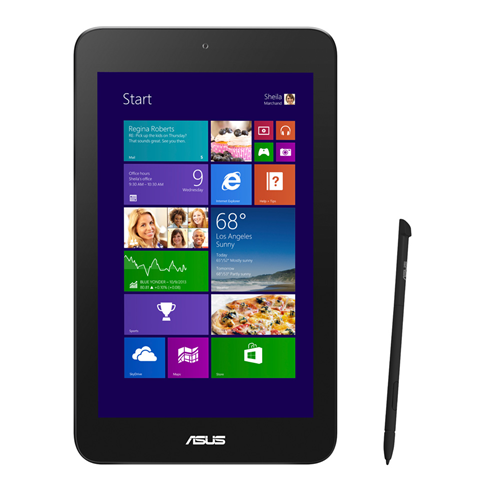
ASUS VivoTab Note 8
- ASUS website
- As an alternative to the Surface Pro 3 more for drawing stuff due to stylus
- 8" screen (1280x800)
- iPad mini sized but full Windows 8.1
- US$250 (32GB)
- Charges via micro USB
- No full USB port:
- only has 1 micro USB port
- requires USB OTG cable (similar to phones) to provide full USB port
- Atom processor can be a bit slow (not as bad as previous netbooks) but good value for full fledge device
Nokia XL
Corner Geeks 25: The Windows Phone Experience
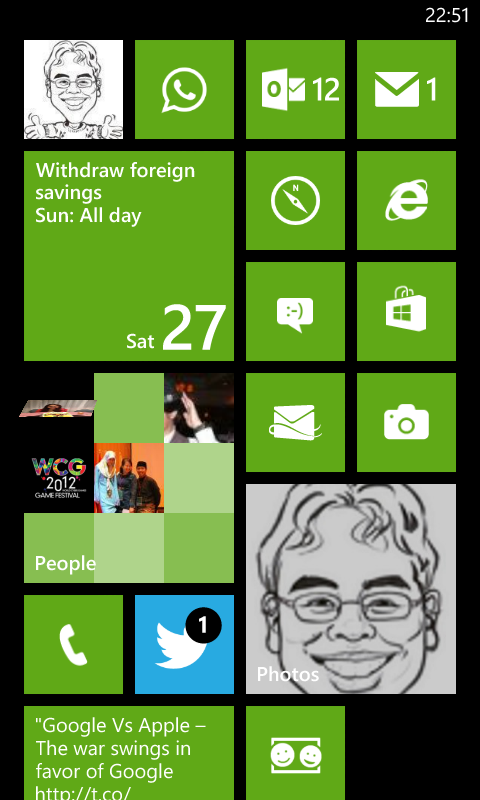
- Lumia 520 for AUD$176
- Specs don’t really matter because it’s a pretty good experience
- 512MB RAM which limits some heavier apps but still a pretty smooth experience. Much better than cheap Android phones
- Good Polish unlike Android back in the day that had a lot of rough edges
- In between iOS and Android but closer to iOS
- Find my phone
- Sky Drive Integration
- Save Photos automatically
- can’t seem to enable only on WiFi so may be hazardous to your 3G data
- doesn’t upload screenshots
- Office Documents synced in the cloud
- Save Photos automatically
- Office
- Can create and edit Word and Excel files offline
- Can view Powerpoint files
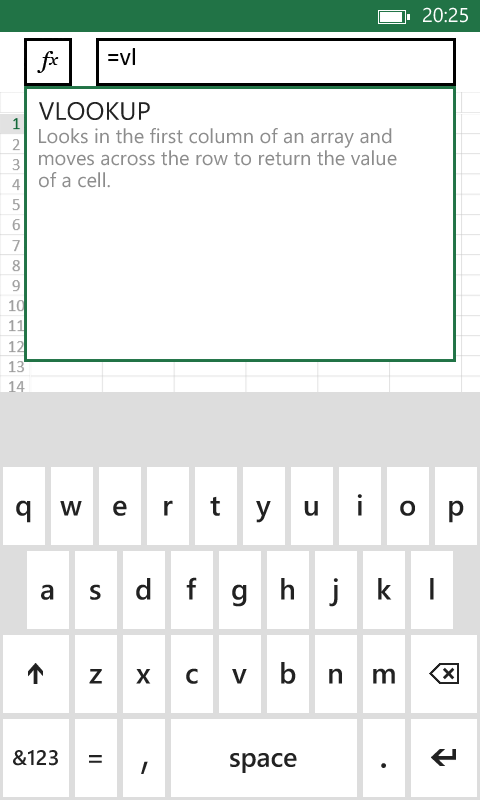
- Bluetooth transfer data migration
- Consolidated settings (like iOS) but also and in app
- Glove usage! (probably a Lumia feature)
- Good Features
- People Hub
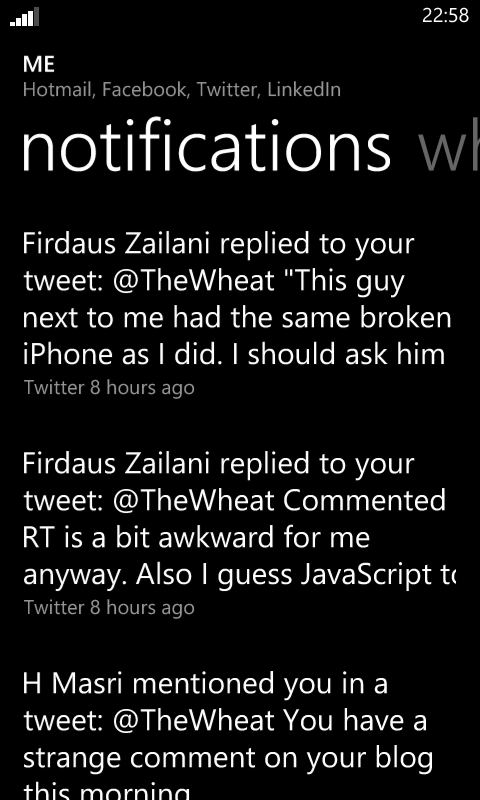
- Combines all social streams (Twitter, Facebook, LinkedIn) into one stream

- Like Twitter lists but for all social networks supported
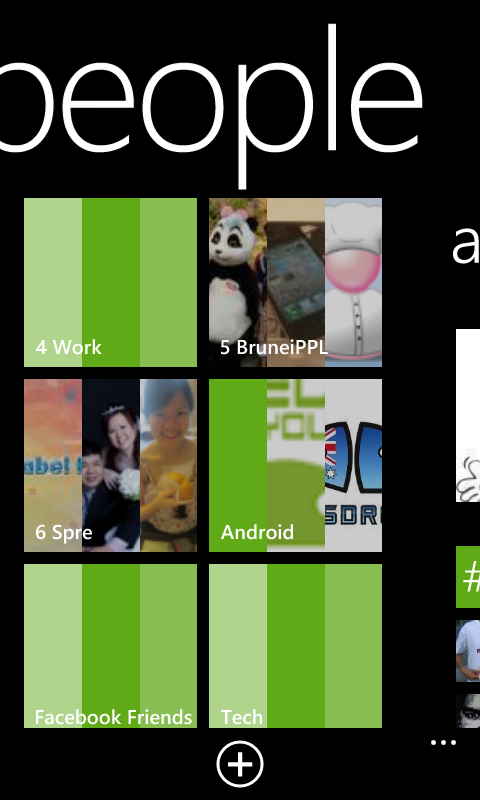
- Photo Stream of all updates with photos
- Combines all social streams (Twitter, Facebook, LinkedIn) into one stream
- Bluetooth image sharing!
- Has Android like intents/sharing of data to other apps. E.g. from photo app, can share photo to apps like WhatsApp / Email / any app that supports receiving images
- People Hub
- Gripes
- App selection still small. No official Dropbox app, no instagram
- Search page is not a web page. E.g. Search in browser address bar brings you out of the browser to the search page, and clicking a link in the search page goes back into the browser
- Sharing Intents inconsistent
- But doesn’t seem to work for all things… Can share photo (.jpg file) from camera to WhatsApp but cannot share screenshot (.png file) to WhatsApp. Can’t share URL to WhatsApp.
- Perhaps more of a non-mature app ecosystem rather than Windows Phone fault. App developers need to program their apps right
- Notifications could be better
- If app is a Live Tile, then you can see the notification number
- If app is not a Live Tile, there is no easy way to know what app caused the notification (iOS has it best with badges)
- No quick toggles
- Have to go into settings to turn things on and off similar to iOS (e.g. enable/disable data / WiFi)
- Hard to toggle vibrate
- Can’t disable screen rotation. Less sensitive than Android which is good.
- No file explorer or file system like Android
- No auto-sign in like Android for Google sites
- Switching apps shows “Resuming…” quite a bit. More to do with how Windows Phone handles apps. Could be due to limited memory of 512MB and may not occur with higher end devices with more RAM
- No Bluetooth tethering (available in iOS and Android)
Links
Gagalcast 2: Windows 8 Developer Preview Installation Fail
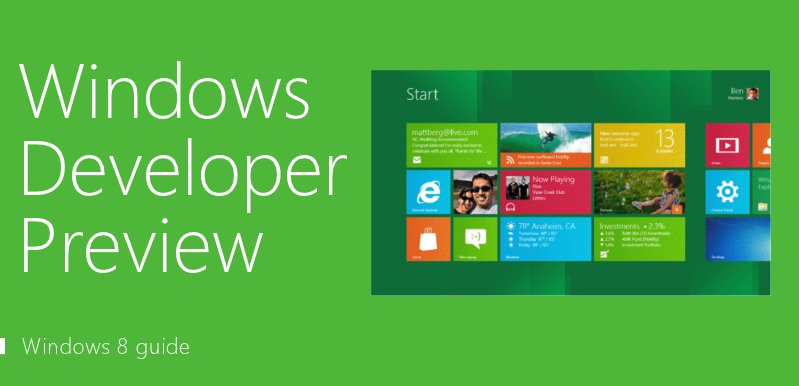 When Windows 8 Developer Preview was released (download your copy here) to enthusiasts and developers, we were excited to try it out. Sadly our enthusiasm was curbed as we learned to fail at Step 1: Installation of the OS…