Corner Geeks 25: The Windows Phone Experience
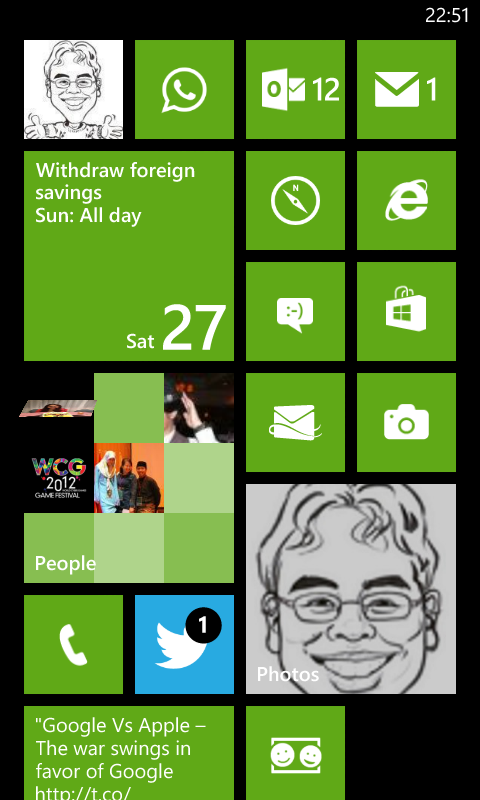
- Lumia 520 for AUD$176
- Specs don’t really matter because it’s a pretty good experience
- 512MB RAM which limits some heavier apps but still a pretty smooth experience. Much better than cheap Android phones
- Good Polish unlike Android back in the day that had a lot of rough edges
- In between iOS and Android but closer to iOS
- Find my phone
- Sky Drive Integration
- Save Photos automatically
- can’t seem to enable only on WiFi so may be hazardous to your 3G data
- doesn’t upload screenshots
- Office Documents synced in the cloud
- Save Photos automatically
- Office
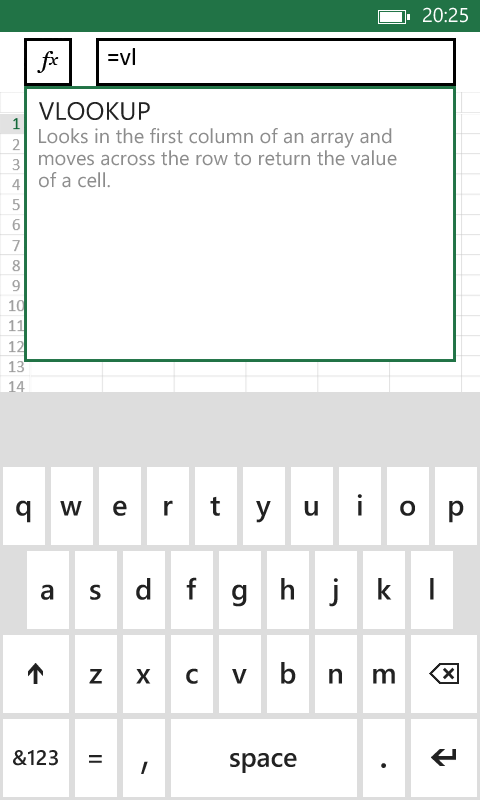
- Can create and edit Word and Excel files offline
- Can view Powerpoint files
- Bluetooth transfer data migration
- Consolidated settings (like iOS) but also and in app
- Glove usage! (probably a Lumia feature)
- Good Features
- People Hub
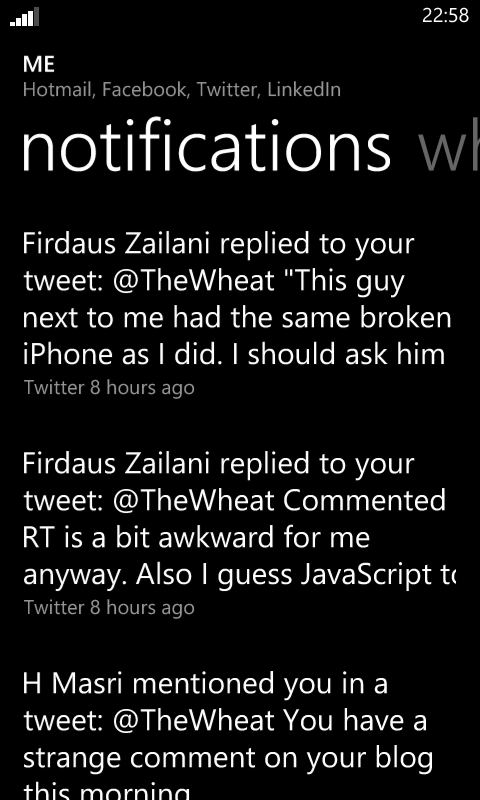
- Combines all social streams (Twitter, Facebook, LinkedIn) into one stream

- Like Twitter lists but for all social networks supported
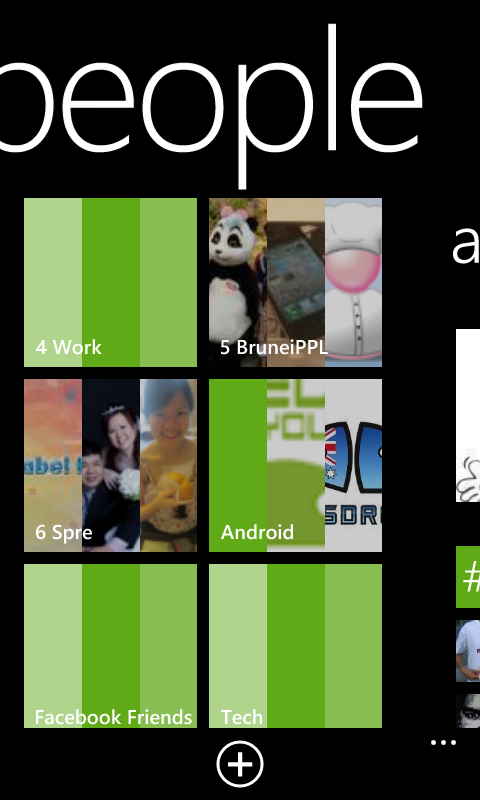
- Photo Stream of all updates with photos
- Combines all social streams (Twitter, Facebook, LinkedIn) into one stream
- Bluetooth image sharing!
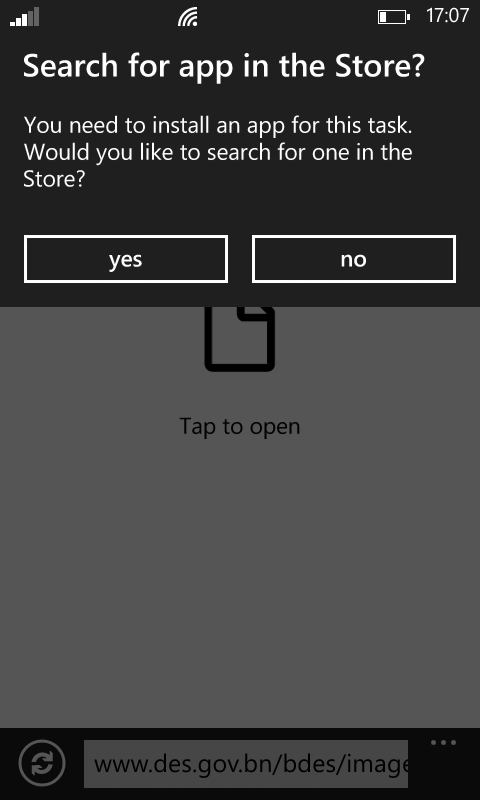
- Has Android like intents/sharing of data to other apps. E.g. from photo app, can share photo to apps like WhatsApp / Email / any app that supports receiving images
- People Hub
- Gripes
- App selection still small. No official Dropbox app, no instagram
- Search page is not a web page. E.g. Search in browser address bar brings you out of the browser to the search page, and clicking a link in the search page goes back into the browser
- Sharing Intents inconsistent
- But doesn’t seem to work for all things… Can share photo (.jpg file) from camera to WhatsApp but cannot share screenshot (.png file) to WhatsApp. Can’t share URL to WhatsApp.
- Perhaps more of a non-mature app ecosystem rather than Windows Phone fault. App developers need to program their apps right
- Notifications could be better
- If app is a Live Tile, then you can see the notification number
- If app is not a Live Tile, there is no easy way to know what app caused the notification (iOS has it best with badges)
- No quick toggles
- Have to go into settings to turn things on and off similar to iOS (e.g. enable/disable data / WiFi)
- Hard to toggle vibrate
- Can’t disable screen rotation. Less sensitive than Android which is good.
- No file explorer or file system like Android
- No auto-sign in like Android for Google sites
- Switching apps shows “Resuming…” quite a bit. More to do with how Windows Phone handles apps. Could be due to limited memory of 512MB and may not occur with higher end devices with more RAM
- No Bluetooth tethering (available in iOS and Android)
Links