A First Look at the Acer Iconia Tab A500
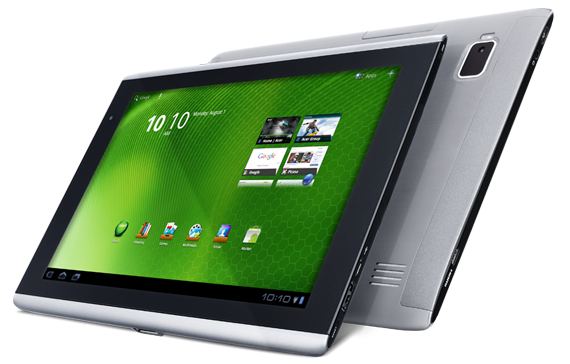
The Acer Iconia Tab A500 is the first Honeycomb tablet I’ve seen here in Brunei and is the first proper 10" Android tablet. As with most Android tablets the specs are somewhat typical: 10" (1280x800) with dual cameras running on the nVidia Tegra2. @mfirdaus and I managed to play around with the device for over an hour and below is the video overview we took of it. Below the video are further thoughts of the device and sample photos and videos from the device itself.
http://youtube.com/watch?v=YpYnSVSRTzI (watch on YouTube)
Full specifications (from Concepts and Acer specification pages)
- Android Honeycomb(3.0)
- 10.1” (1280x800) HD Touchscreen
- 10.24" x 7" x 0.52"
- 10 points Capacitive Multitouch screen
- 1Ghz nVidia Tegra2 Dual Core processor
- 32GB built-in capacity
- Dual Camera (2mp front, 5mp back)
- GPS, E-Compass, 6-axis Gyroscope G-sensor (auto rotation)
- Long life 3260mAh x 2 battery
- Dual display (HDMI output) (micro HDMI port)
- microUSB expansion slot (up to 32gb)
- Physical USB port (Full-sized USB port)
- Dolby Mobile dual speakers
- Acer Clear.fi app
- Acer Social Jogger app
- Acer Photo Browser app
- Preloaded games (NFS Shift, Let’s Golf, Hero of Sparta)
Weight & Size I have always thought 10" tablets were a bit bigger than an iPad but in fact they are similar sizes: The A500 is longer and thicker but narrower than an iPad 2 (A500: 26cm x 17.7cm x 1.33cm, iPad2: 24.1cm x 18.6cm x 0.88cm). However the A500 is relatively heavy at 765g (iPad 2 is 601g), thus if you’re holding on the device it can get tiring.
Screen The 10" screen was responsive and we didn’t feel at real / noticeable / annoying lag or unresponsiveness. At a resolution of 1280x800, that is the same resolution as a lot of 13" or 14" laptops and is of higher resolution compared to an iPad: this means when browsing you should see more content. Speaking of browsing, with the great browser which has tabs and the ability to install Flash, this would make a great web browsing device.
Honeycomb and Apps Refer to the previous post on A First Taste of Honeycomb (Android 3.0): in short there are not many apps optimized for Honeycomb and the large screen, but regular apps can still run.
Connectivity The killer hardware features are the microSD card slot, full sized USB port and micro HDMI.
The microSD card slot enables you to add storage without buying a new device. If you’re on a budget, just buy the lowest capacity device and add microSD cards for your media (do note that microSD cards could be slower than internal storage on device, but is probably cheaper and can be transferred to other devices in the future).
The full sized USB port means you can connect a regular USB keyboard to the device and start typing straight away if you really need to type out of an email / do word processing. This will easily make the A500 into a productivity device with the proper applications. The USB port also means that you can copy files to and from a regular thumb drive like a regular computer which is a great feature. I’ve heard that USB card readers do not work, but I have no confirmation on this.
The micro HDMI port means you can connect the device to a projector / HDTV with display mirroring (display on both device and projector/TV). While this is a great option, I still think an iPad 2 trumps with the VGA dongle because VGA is still very widely used and HDMI is not. For people wishing to use the device for presentations, I would think an iPad 2 with the VGA dongle would be much easier to work with. I don’t believe there is an easy way to convert an HDMI signal to VGA without an external box, which means added cost and added items to bring.
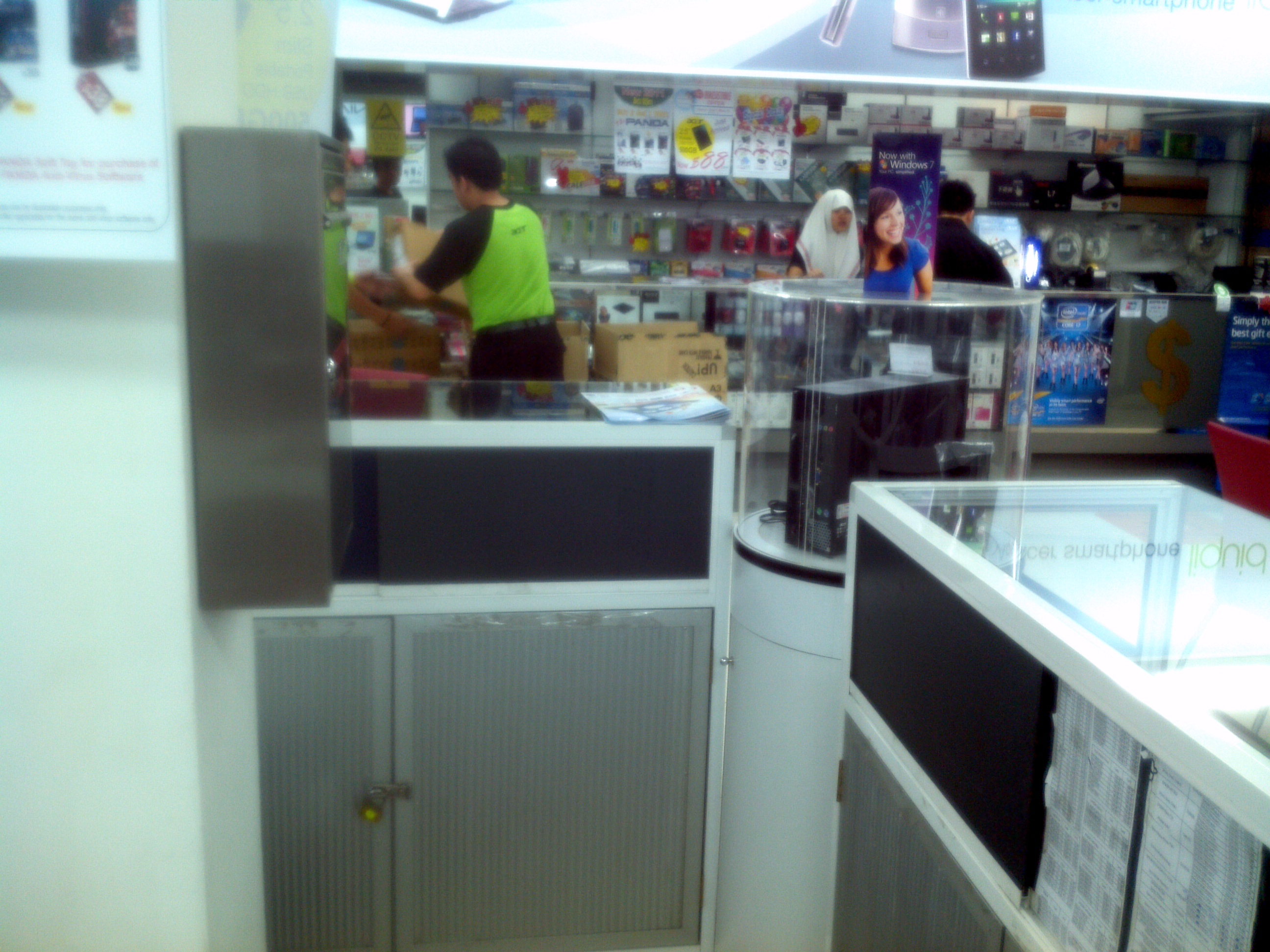
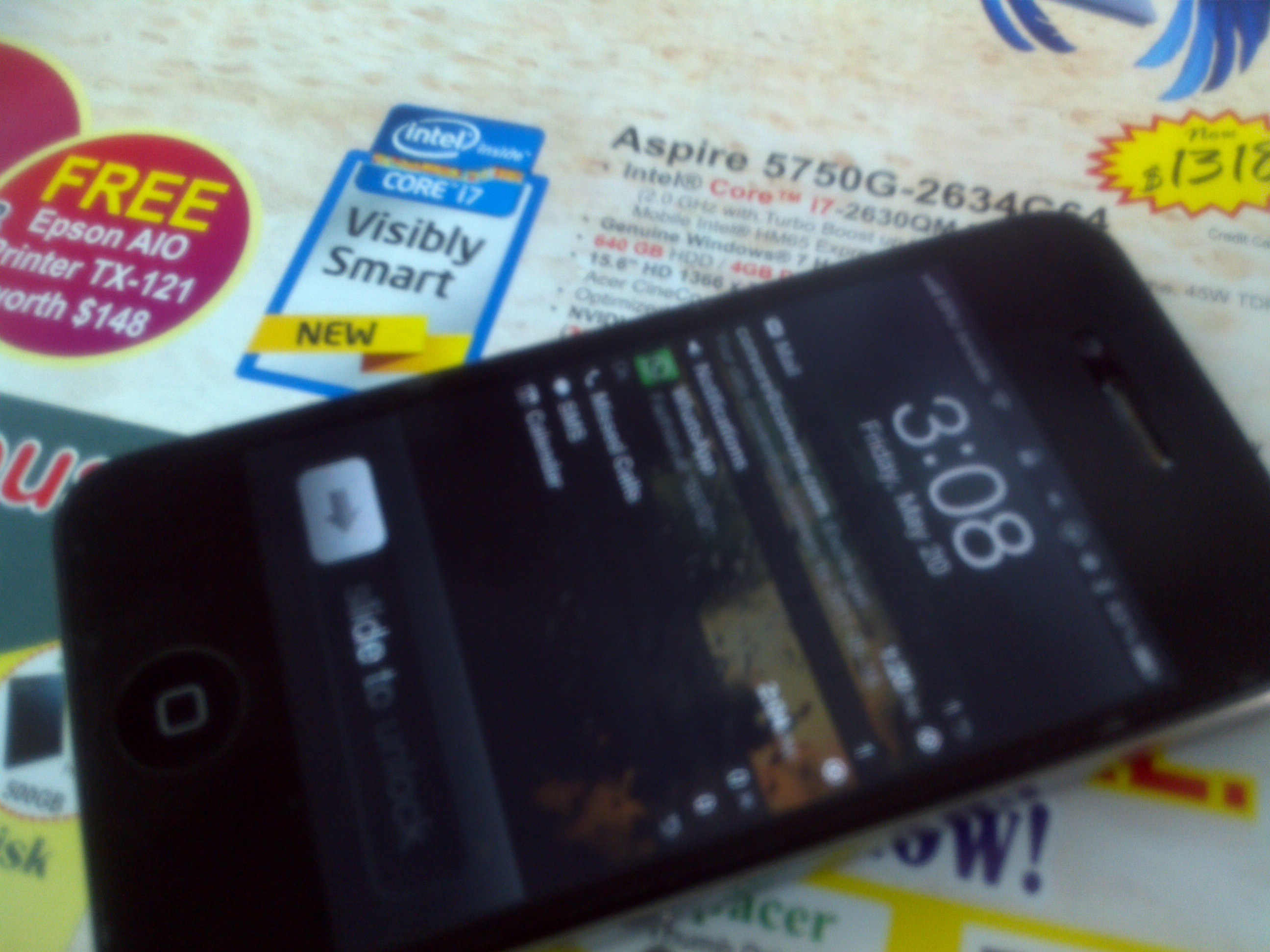
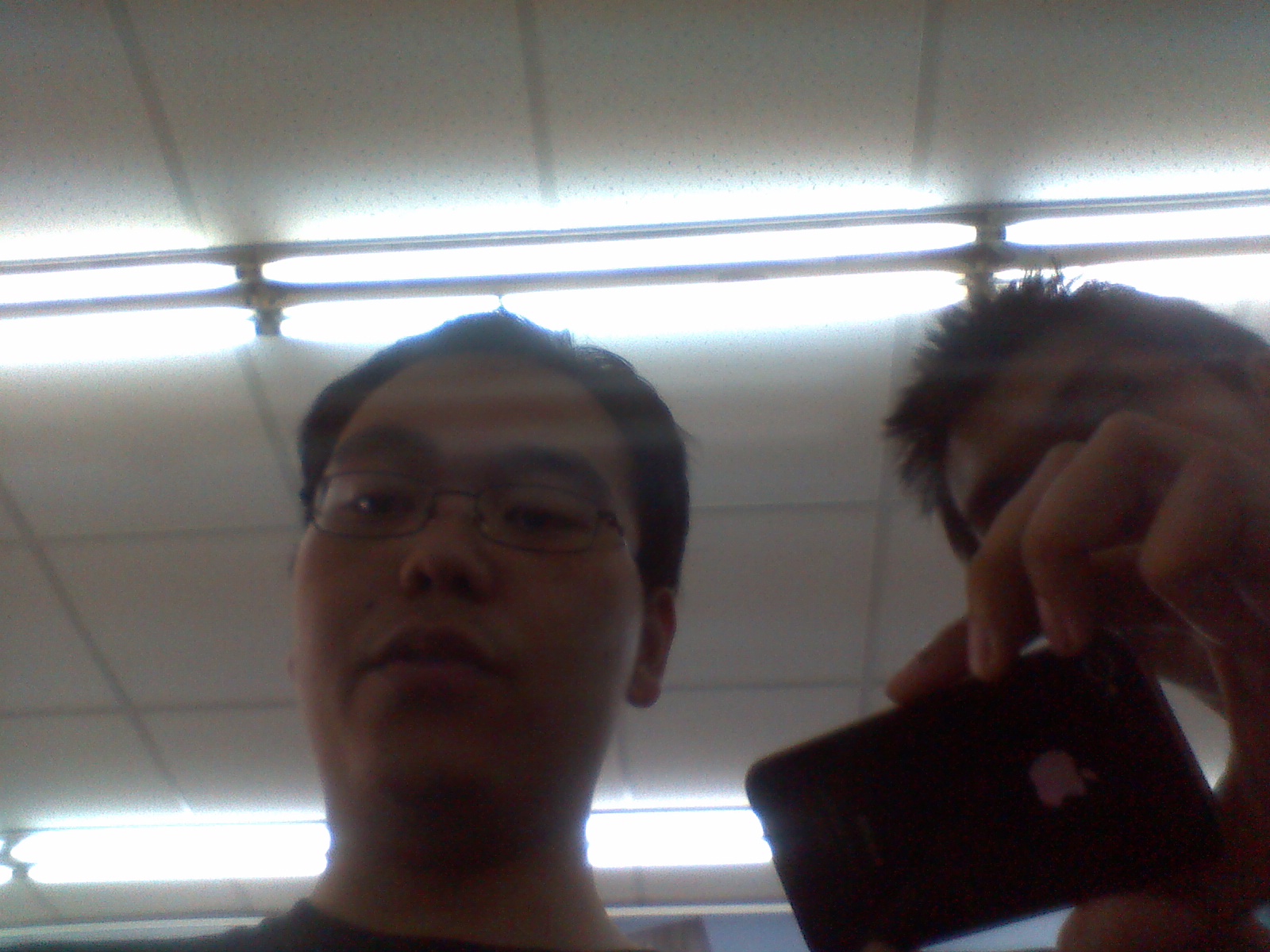
Cameras The front facing camera is a 2 megapixel while the rear camera is 5 megapixels (and also has a flash) however the picture and sound quality wasn’t stellar: samples below. Do note that the device was covered with clear plastic which would affect both the video and audio quality but I wouldn’t expect quality to be much better than what we got. Audio quality is pretty disappointing. Photos are stored in JPG format while videos in 3GP (H264/AAC).
Photos (jpg)
-
Rear: 5 megapixels (2592 × 1944)
-
Front: 2 megapixels (1600 × 1200)
Videos (3gp format with H264 video and AAC audio)
-
Rear: 720p (1280x720) (watch on YouTube) http://youtube.com/watch?v=-DPM8ou03UE
-
Front: VGA (640x480) (watch on YouTube) http://youtube.com/watch?v=gKXHtbNaR1Y
Battery Life We could not take the device home to test the battery life of the device but below lists battery tests from other reviews but most reviews say you can easily get an full days worth without issue.
Price At B$728, the 32GB A500 is priced cheaper than a 32GB iPad 2 (B$798), but do note that a 16GB iPad 2 is cheaper (B$668). IMHO Concepts should have brought in the 16GB version of the Iconia Tab to undercut all iPad 2 prices because with most Android tablets you can add expansion via microSD cards.
Summary As a consumer device, this is a great device for web browsing, reading and watching movies. If you have TVs/monitors with HDMI input, this is a possible media center device with a purchase of a microHDMI to HDMI cable or a microHDMI to standard HDMI converter. As an office device, this is a viable option is you have HDMI monitors / projectors. The USB port option is great for using external keyboards and transferring of files. Overall Honeycomb is still maturing and is hard to convince people with an Android tablet unless there is a particular function that they need/want that is available on Android or a specific tablet as the iPad, with iOS, has the advantage of apps. Would I get one myself? I doubt so, as I’m looking more of a 7" device with USB host, VGA out (highly unlikely thus maybe HDMI out) and possibly 3G to wirelessly tether via a wireless hotspot so I may even look out for the Iconia Tab A100 which is a 7" version that is coming out in a couple of months.
Other Useful Links
Corner Geeks 3: Portal 2
We talk about Portal 2, one of the best games of this year and one of the games that has captured people’s hearts and minds (mine included) with the great voice acting, humour and songs that started with Portal 1. Great great songs written by Jonathan Coulton and sung by Ellen McLain
P.S. Portal 2 ringtones are free (for now?) so go download them now!
Other Links:
- Portal ARG (wikia.com)
- Valve PotatoFoolsDay ARG Wiki (http://valvearg.com/)
- Portal 2 ARG - Anything and Everything you need to know. (Steam Forums)
A First Taste of Honeycomb (Android 3.0)
**Update 1: added “Other Notes” section**
So last Friday I when I saw the Acer Iconia Tab A500 lying there in Concepts, I just had to get my grubby paws on it and experience Honeycomb first hand. I’ve read about it, seen a few videos of it, but there is nothing like playing with it in person. I had to say that I was pleasantly surprised and felt that I wanted to get a tablet. Take a look at the Honeycomb Overview video that mfirdaus and I manage to take of below:
http://www.youtube.com/watch?v=TA_9fUeA8ww
Honeycomb is Google’s attempt to make a version of Android desgined for tablets and it gives Android a very different and fresh feel to it. It took me a while to get comfortable with it after getting kind of lost initially using the device (i.e. it’s not as simple/simplistic as iOS on the iPad). It has the typical Android homescreen which can be populated with applications shortcuts and widgets which all quick access to information right on the homescreen. With the Android 3.1 upgrade providing resizable widgets would allow users to fill a homescreen full of your emails, Twitter timeline and Facebook wall: it’s like your own Tweetdeck columns for all the stuff that is important to you.
Browser & Flash: A fuller web experience The browser seems superb with tabs and looks like Chrome/Chromium (my browser of choice). The possibility of playing Flash is really great to me as it provides you a fuller web experience compared to Flash-less browsers where you may come to a page that just doesn’t have HTML5 video or some random Flash navigations. Do note I said the ‘possibility’ of playing Flash because it isn’t available in the Market. This is due to a geographic location restrictions where the developer does not select the app as available to all countries (more of this in a future post). You can always find the APK installer online, but that is always a dangerous option as there is a possibility that the APK is malware or has been modified to include malware on it. Thus it is important to download it from trusted sources.
Connectivity: USB Host & HDMI The 3.1 update to Honeycomb is especially interesting as it provides better USB host support. This will provide Honeycomb tablets will a greater possibility to replace laptops because you can transfer documents to USB drives and hook up standard keyboard and mice to it. I can imagine going to work, docking your tablet and using it throughout the day for work and when you’re done, disconnect everything and head back home. Currently Android 3.0 on the Iconia Tab supports USB drives and keyboards and I presume that this will be the same for other tablets with USB ports. With most tablets having HDMI ports, they can even be used for presentations and at home on your HDTVs. The only problem I see here is that projectors will typically always have a VGA port, not an HDMI port so this could be limiting.
Apps A lot of the success of a platform is in the apps and since Honeycomb is still new there aren’t many Honeycomb optimized apps that take full advantage of the bigger screen and the Honeycomb action bar. This should fade with time as developers start taking advantage of Honeycomb devices. Do note that the older non-Honeycomb optimized Android apps still can work with Honeycomb (however this is not a certainty) and when they do work they would probably stretch to fill in the space depending on how the interface was design.
Stability & Usability I’ve heard that Honeycomb can be a bit unstable with applications, such as the browser, crashing; however I did not experience such crashes in over an hour of playing with the device. Honeycomb is still new and maturing as they work out the kinks and tweak Honeycomb to be a better experience for the user: I found that there was quite a bit of finger/hand travel just to activate and navigate around the system which I guess could get annoying and tiring after longer periods of use.
Other Notes The low application storage problem seems to be gone in Honeycomb as the whole 32GB of the Acer Iconia Tab A500 that we played with, listed the entire 32GB as available for applications and files, as opposed Android devices that have only a certain much smaller space dedicated for app.Forgot to show it on the video / take a photo but this is a very welcome change and solves the biggest problem with Android for devices with internal memory.
Summary All in all, I’m excited to see what Honeycomb matures into as it tries to be a competitor to iOS on the iPad. While I feel iOS on the iPad is a better experience for now, I feel Honeycomb will be better for the future. I just hope that it doesn’t always stay in the future and that the future and come quickly to fruition.
Introducing the Corner Geeks
So after a month after recording our first episode, here we go: Firdaus (@mfirdaus) and I talk about OS X with his recent purchase of his MacBook Air, and the discussion goes a bit technical/inside-baseball talking about keyboard shortcuts and we even ended up talking a bit about the iPad.
Do let us know what you think: feedback is highly appreciated =) Tweet us: @thewheat / @mfirdaus
iPad 2 Launch in Brunei
So today was the launch of the iPad 2 in Brunei and @mfirdaus and I managed to do a bit of live streaming coverage. I got there just before 9am and noticed that there already was a queue of about 10 people but soon after that when the AV staff arrived on the scene they put up a proper queue with queue posts and a with a nice little sign. 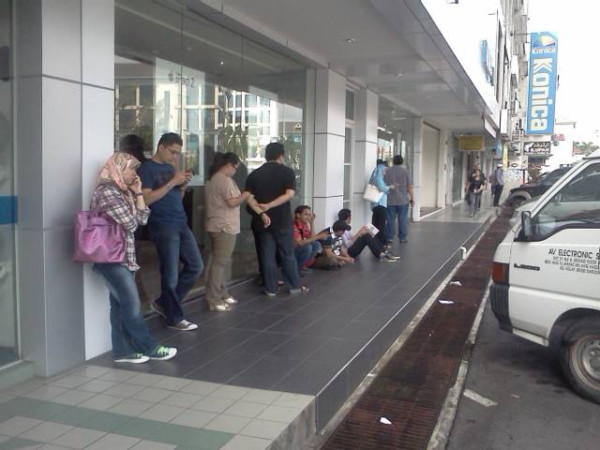
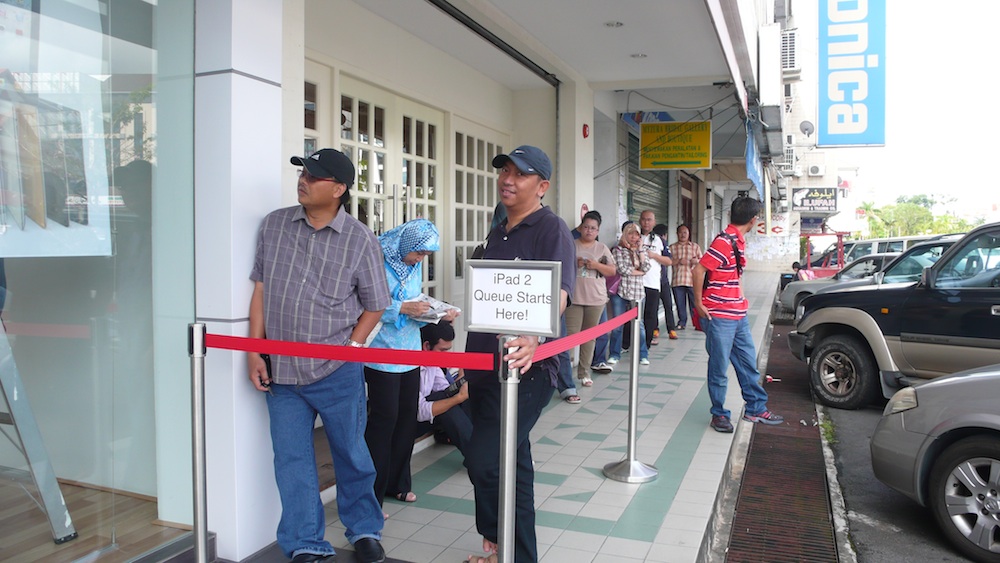
I asked the AV staff on hand about how many units they have, and was told “alot” and not to worry. But sadly about 15 minutes after that @JustCinful went in to get hers, but was told that there were no more 3G models in stock and could only pre-order. She was about 50th in the queue, so there weren’t that many people before her. I honestly wish AV gave a specific number of units rather than a vague terms like “a lot”.
 Above is a Photosynth panoramic image at 10:08am after the first batch of 20 went in.
At about 3:30pm after recording a uploading the video and did some other recording, I went to AV and they still had Wi-Fi models in stock. Final prices are below and contact AV on Facebook, Twitter (@ave_brunei) or call them at +673 223 7650 (Kiulap) / +673 245 6436 (Mall)
iPad 2 Wi-FI
- 16GB: B$668 / B$696 (Cash/Normal)
- 32GB: B$798 / B$832 (Cash/Normal)
- 64GB: B$928 / B$967 (Cash/Normal)
iPad 2 Wi-Fi + 3G
- 16GB: B$848 / B$884 (Cash/Normal)
- 32GB: B978 / B$1019 (Cash/Normal)
- 64GB: B$1108 / B$1155 (Cash/Normal)
Check out the edited live coverage video below http://youtube.com/watch?v=LokGI2lqC1o